 Kashaf
 Real furniture and finishes
Over a hundred 3D models and photo-real wood, tile, stone, brick, plaster and carpet.
Roomcraft is a 3D room planner. Scan or draw your room, try furniture, finishes and whole architectural styles, then see it as a photo-real picture.
How it works
From an empty plan to a picture of your finished room in minutes, on your phone or your computer.
Walk around with your Android phone to capture walls, doors and windows, build it from a few photos, or pick a shape and type in the sizes.
One tap applies an architectural style: walls, floor, mouldings and matching furniture. Then fine-tune any piece, paint or finish.
Turn the 3D view into a photo-real render, place furniture in your real room with AR, and share a link with anyone.
13 architectural styles
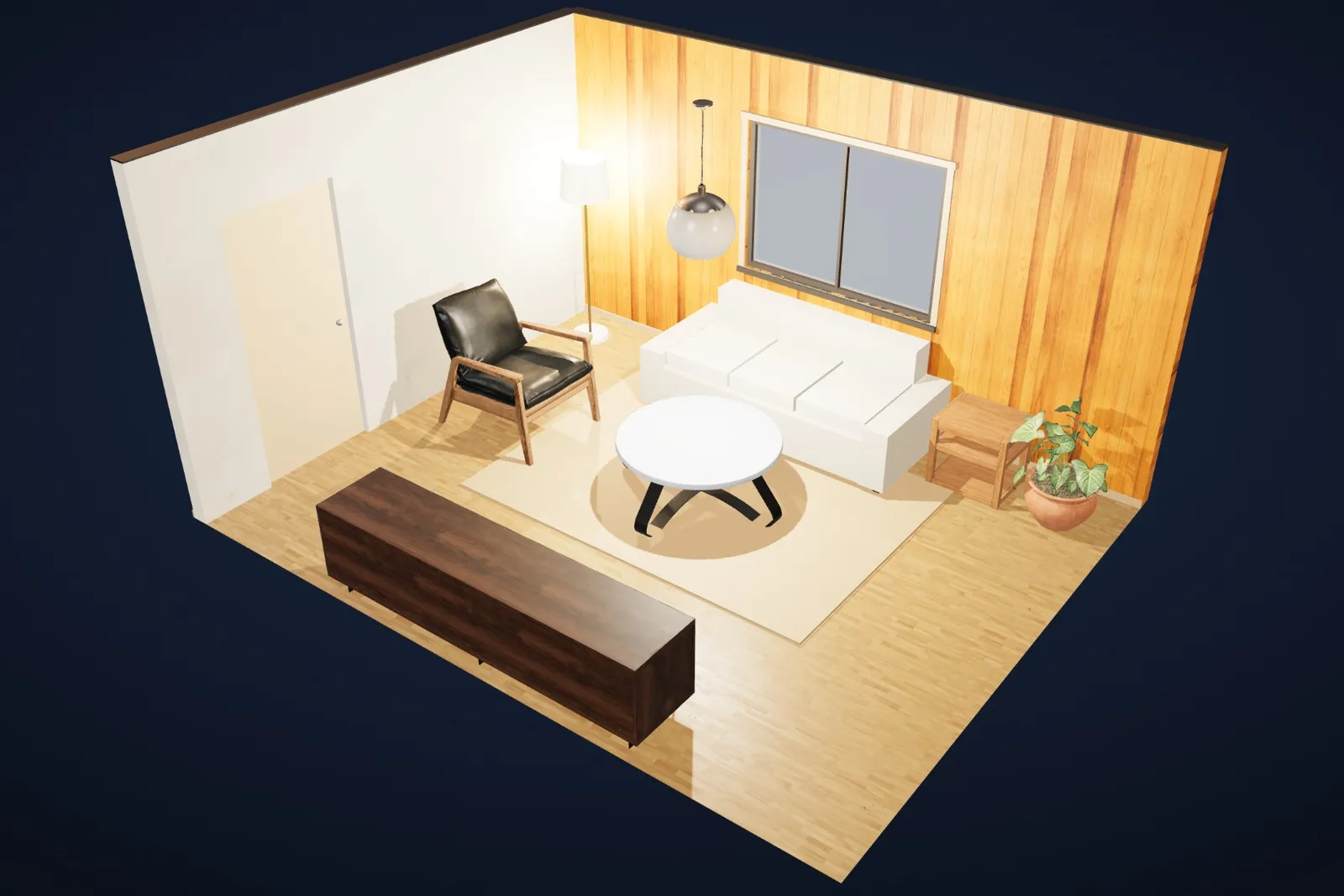
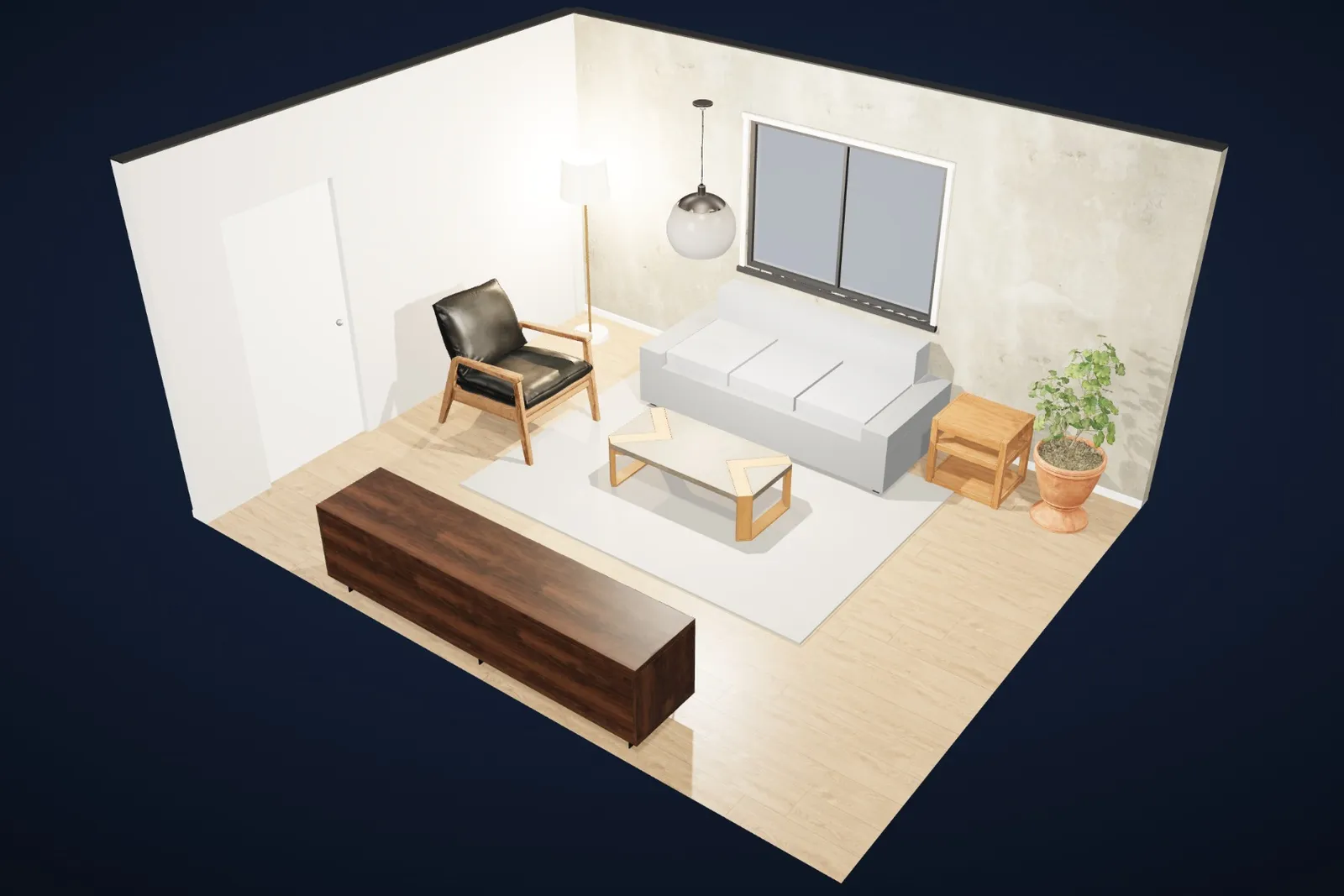
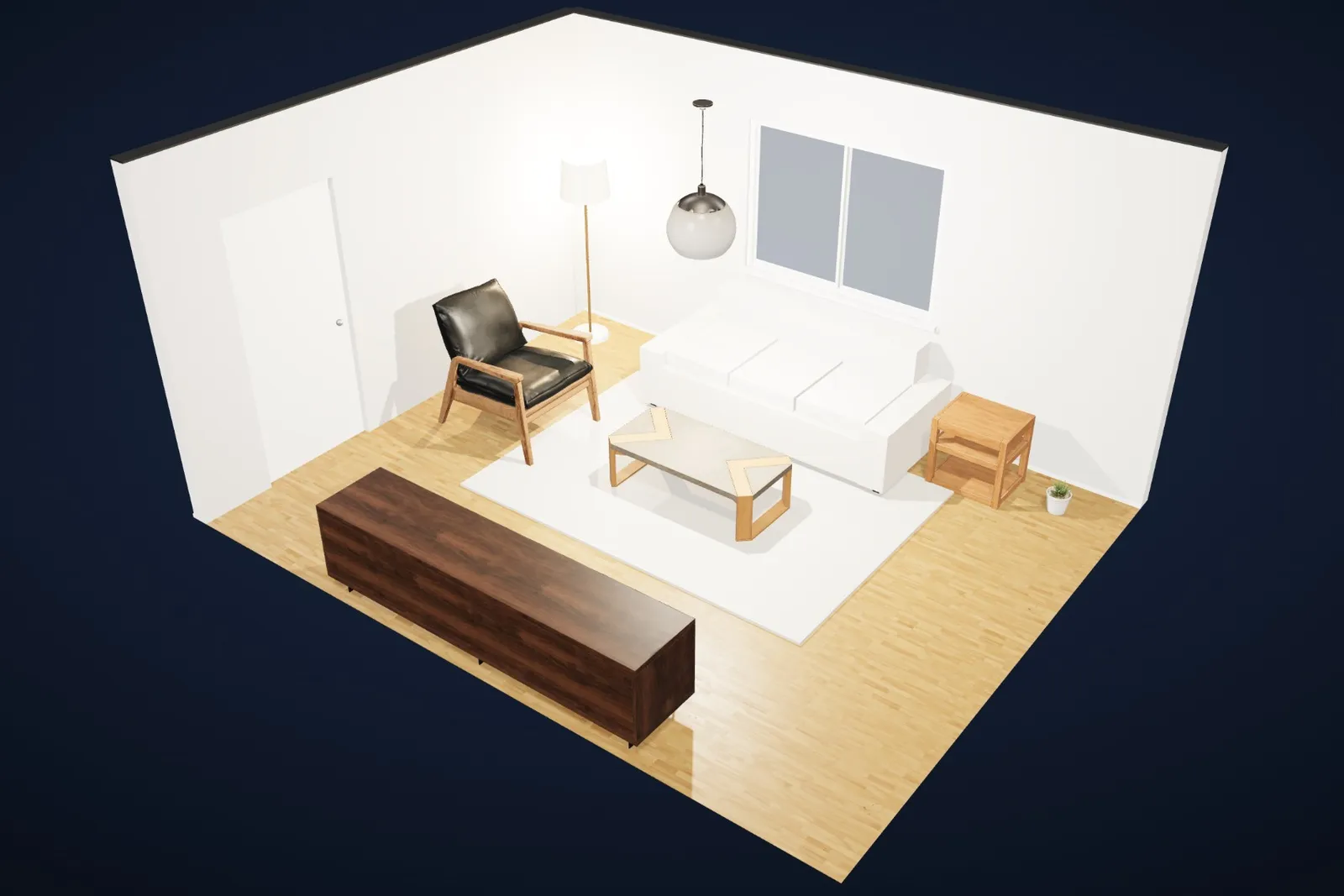
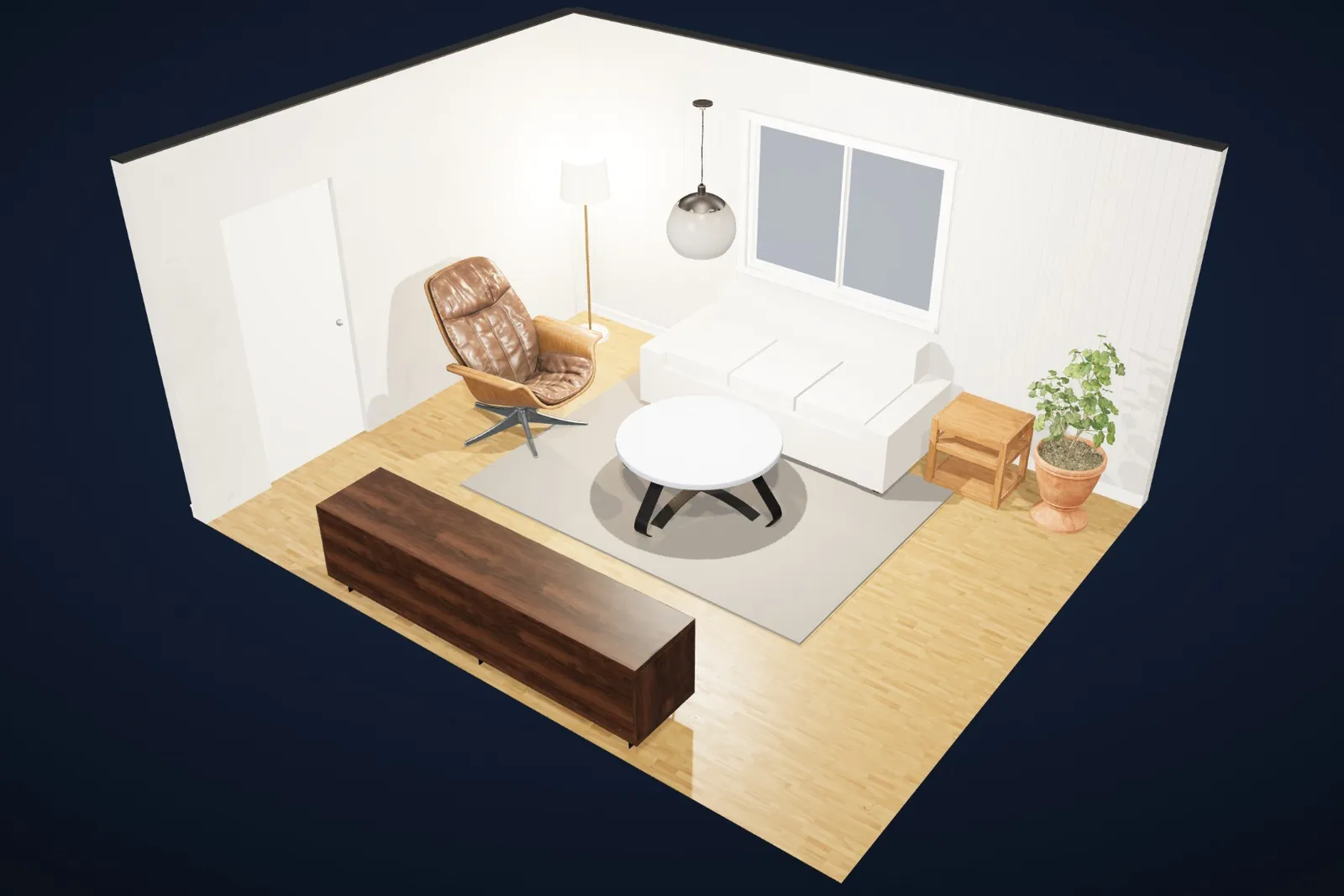
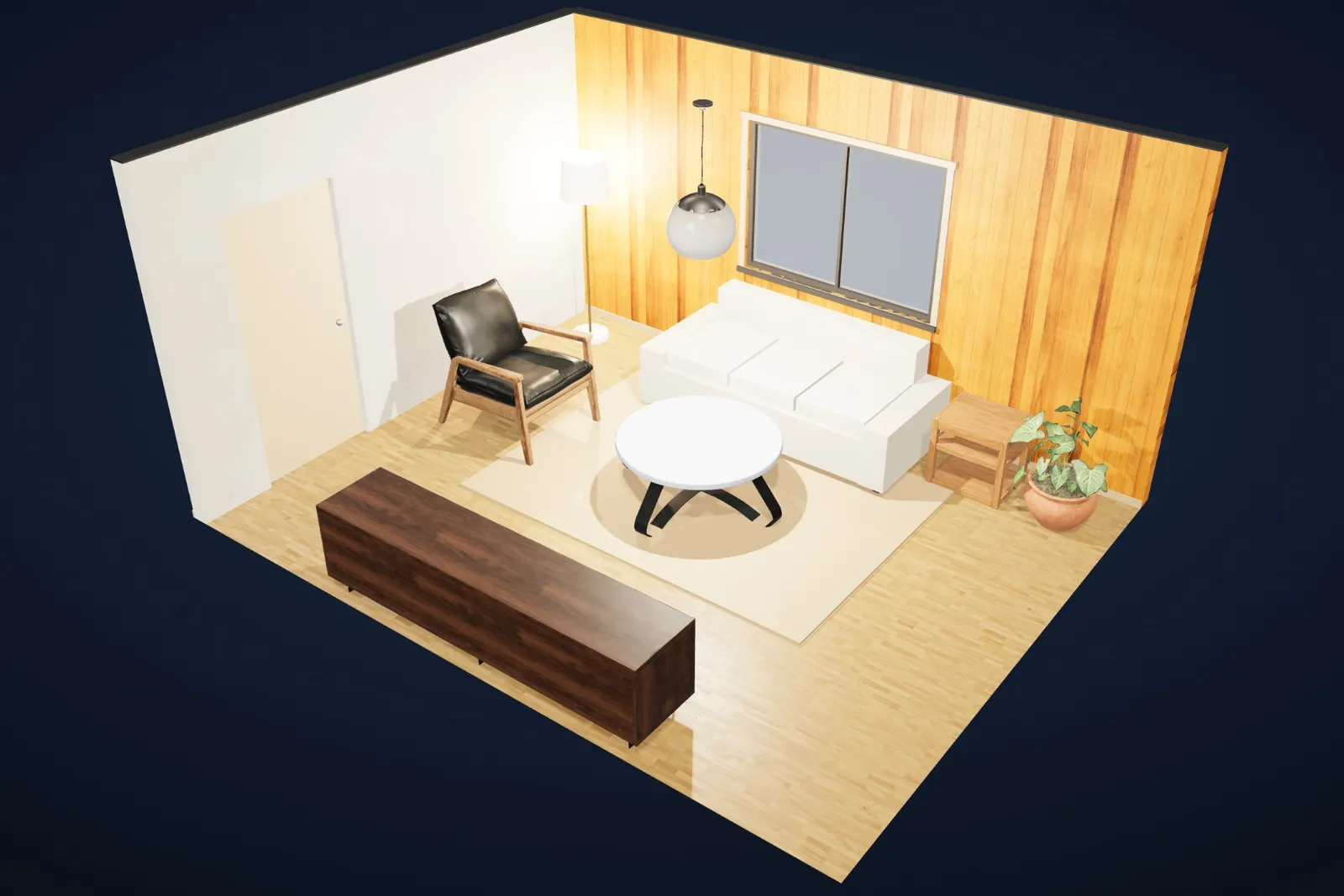
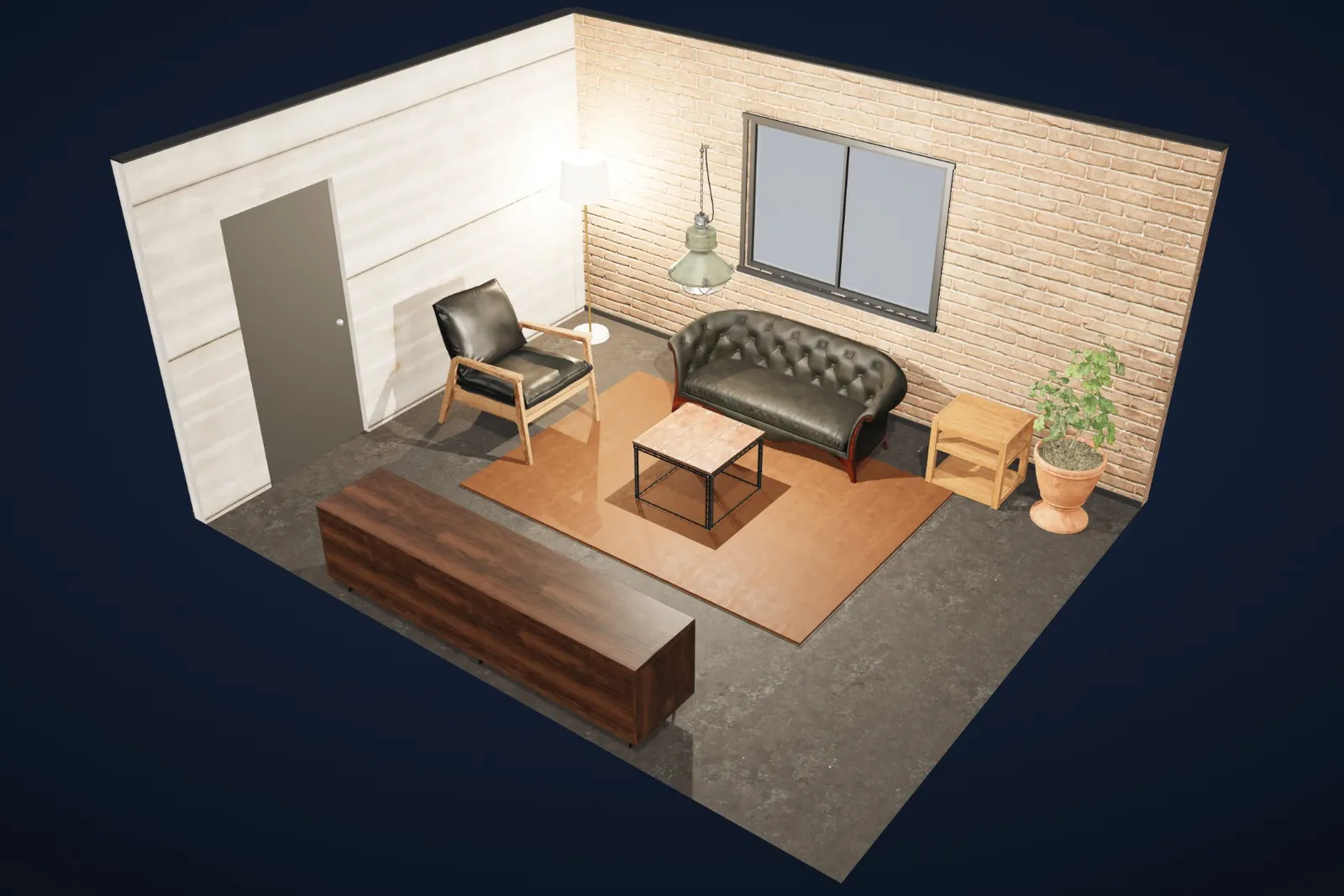
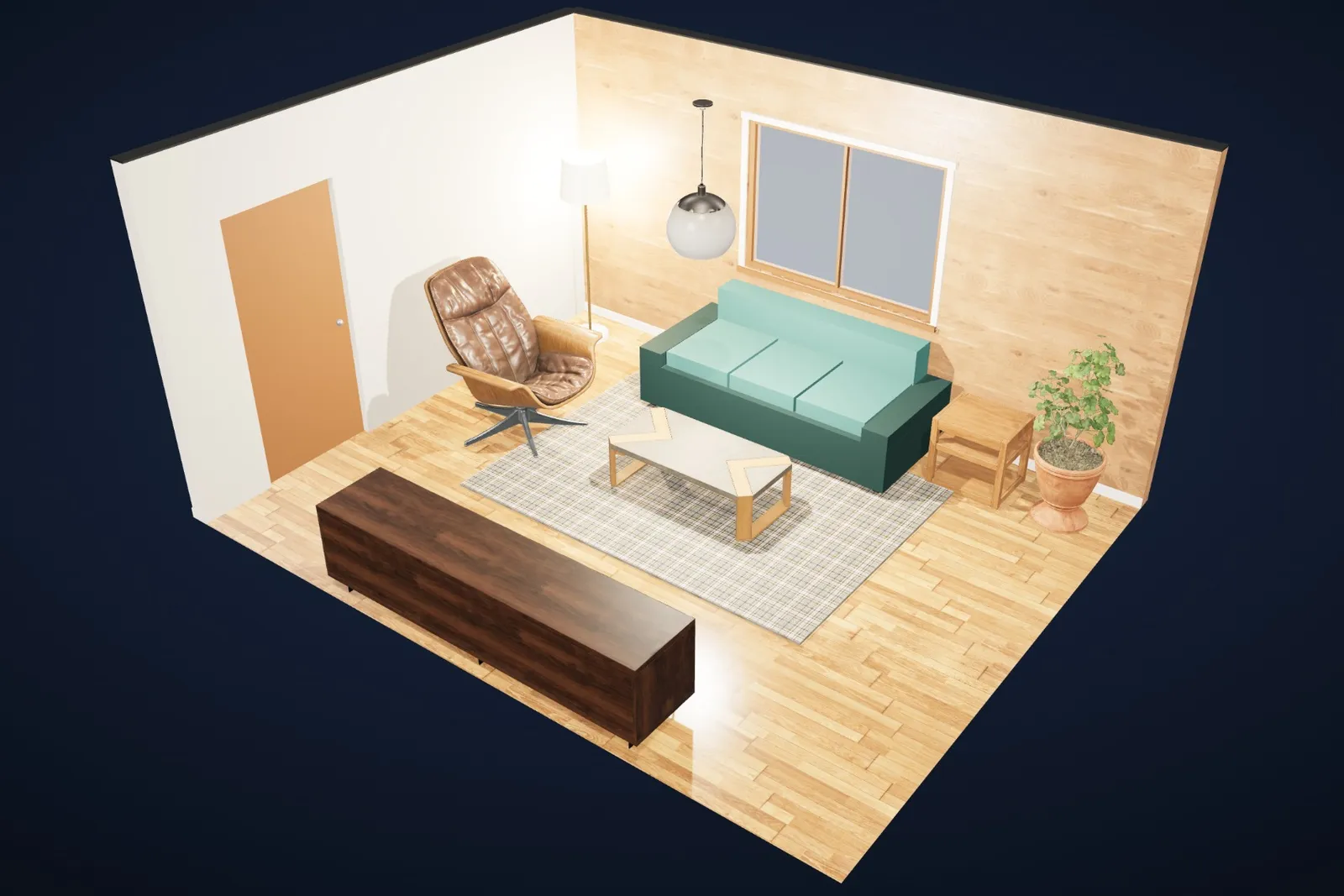
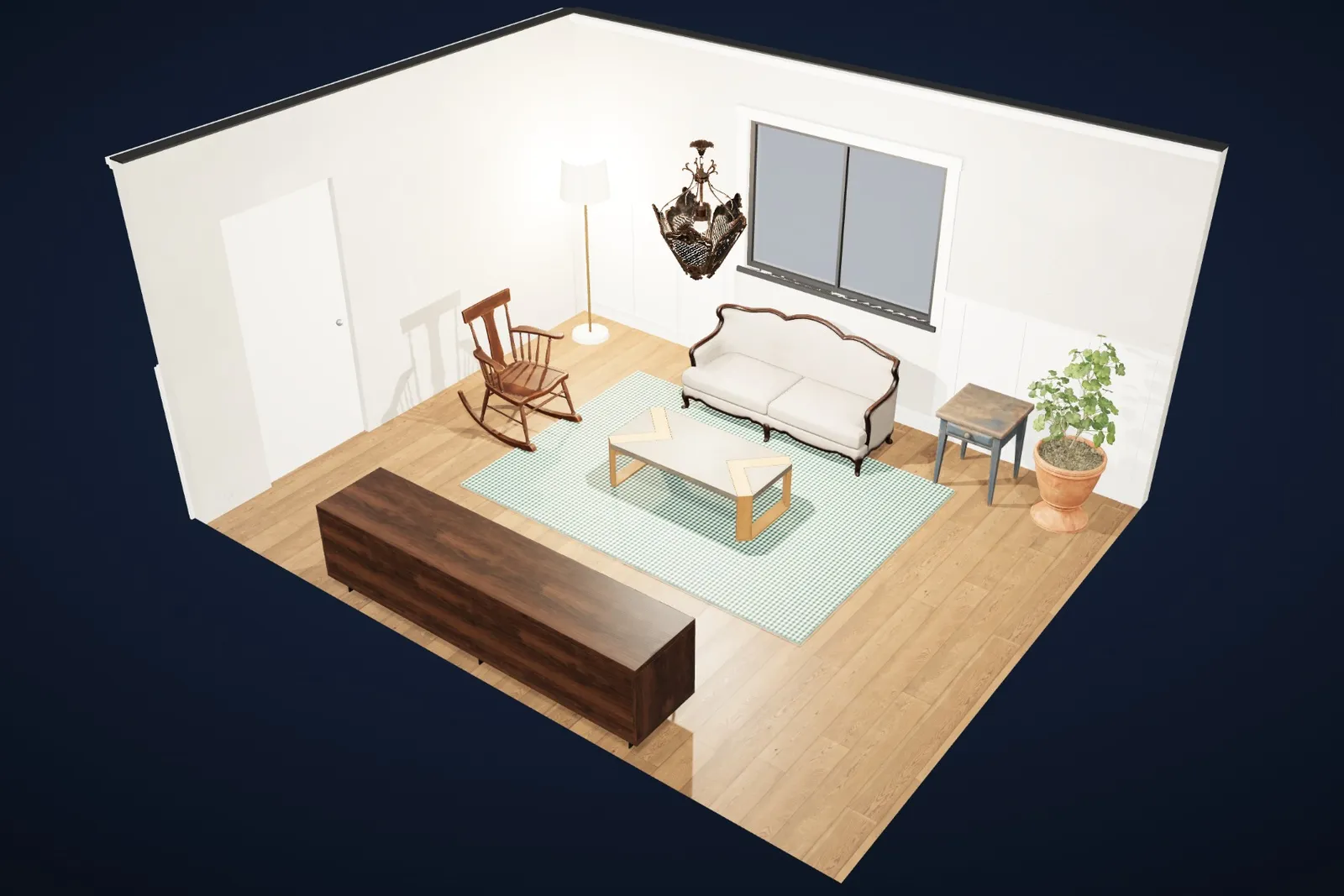
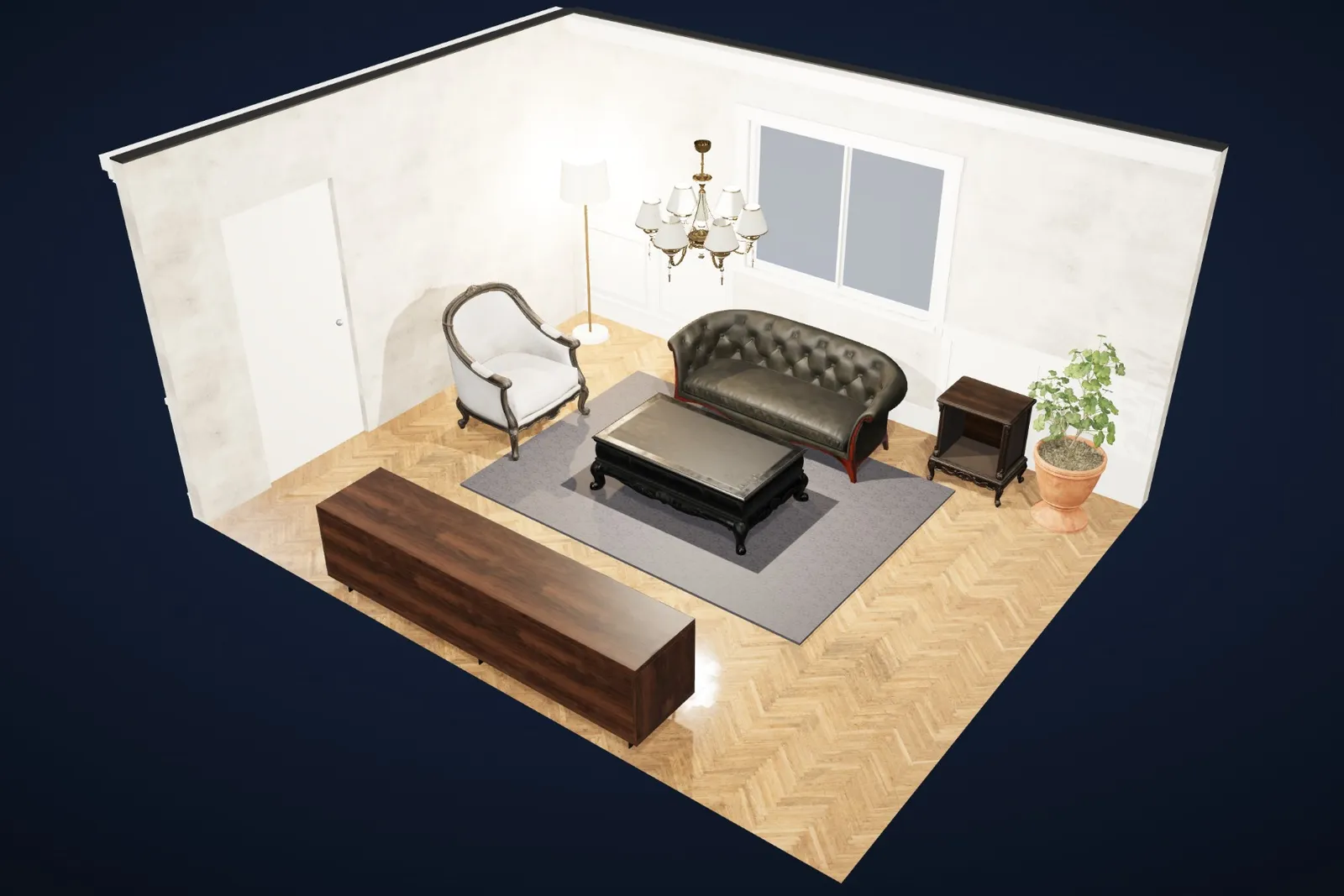
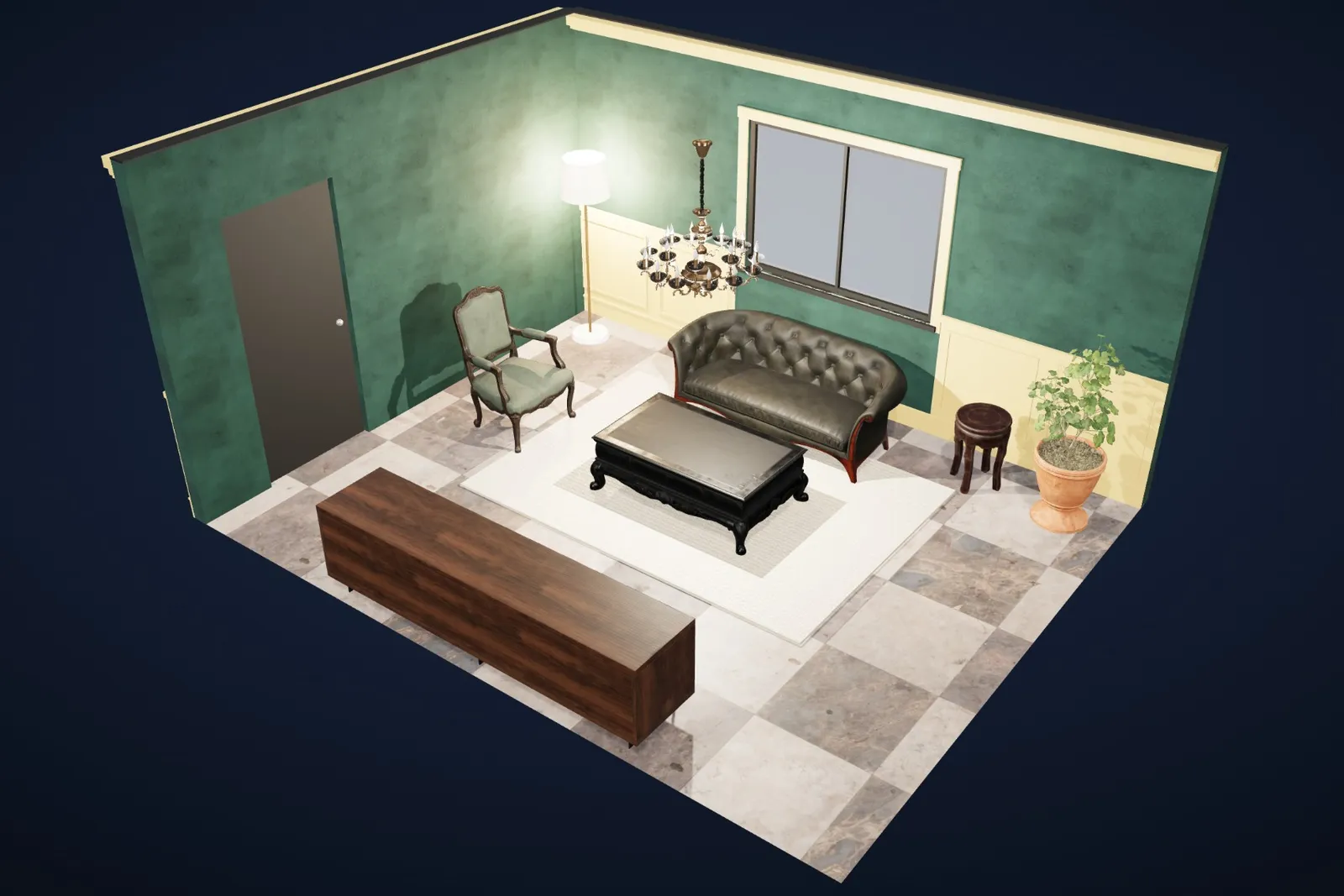
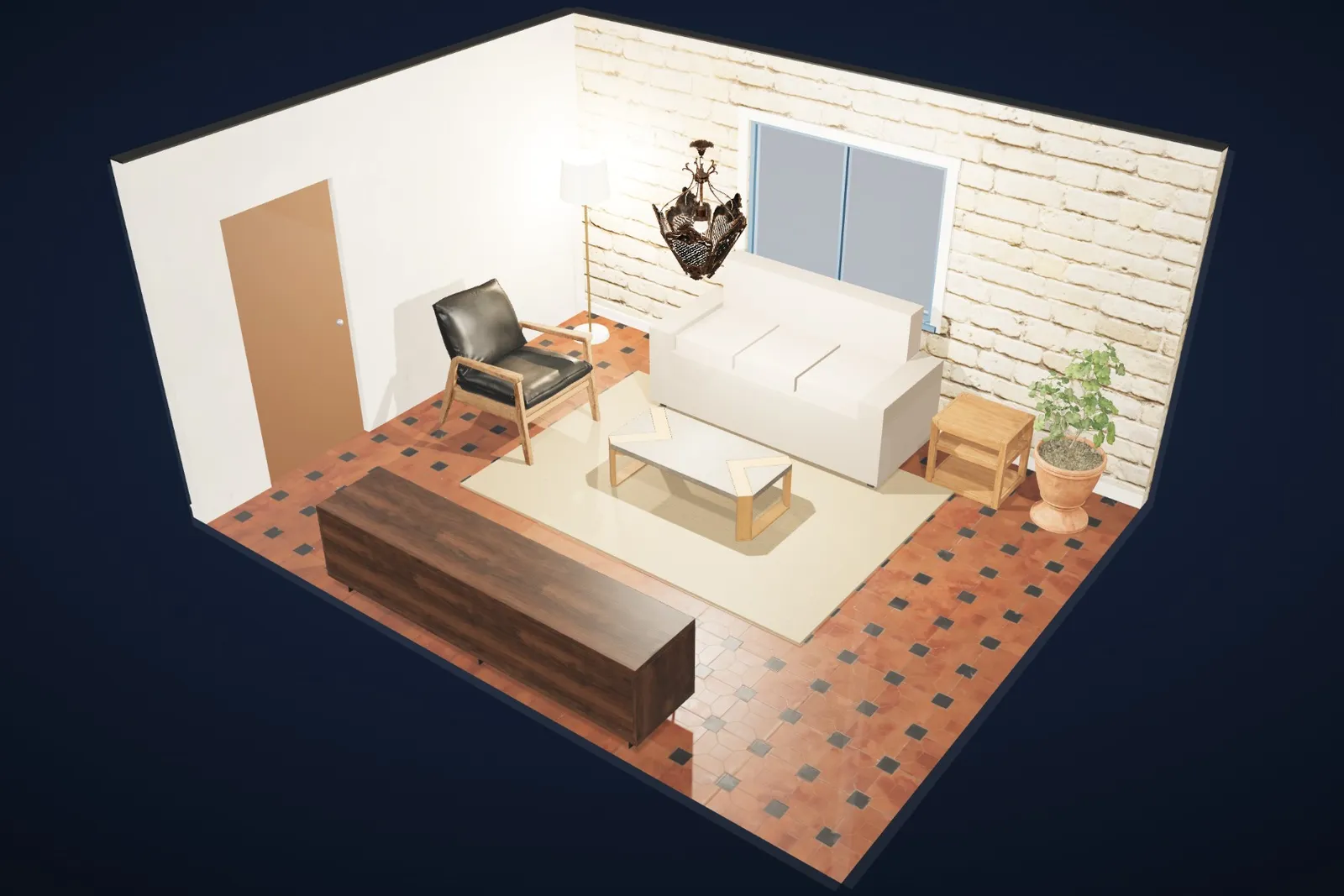
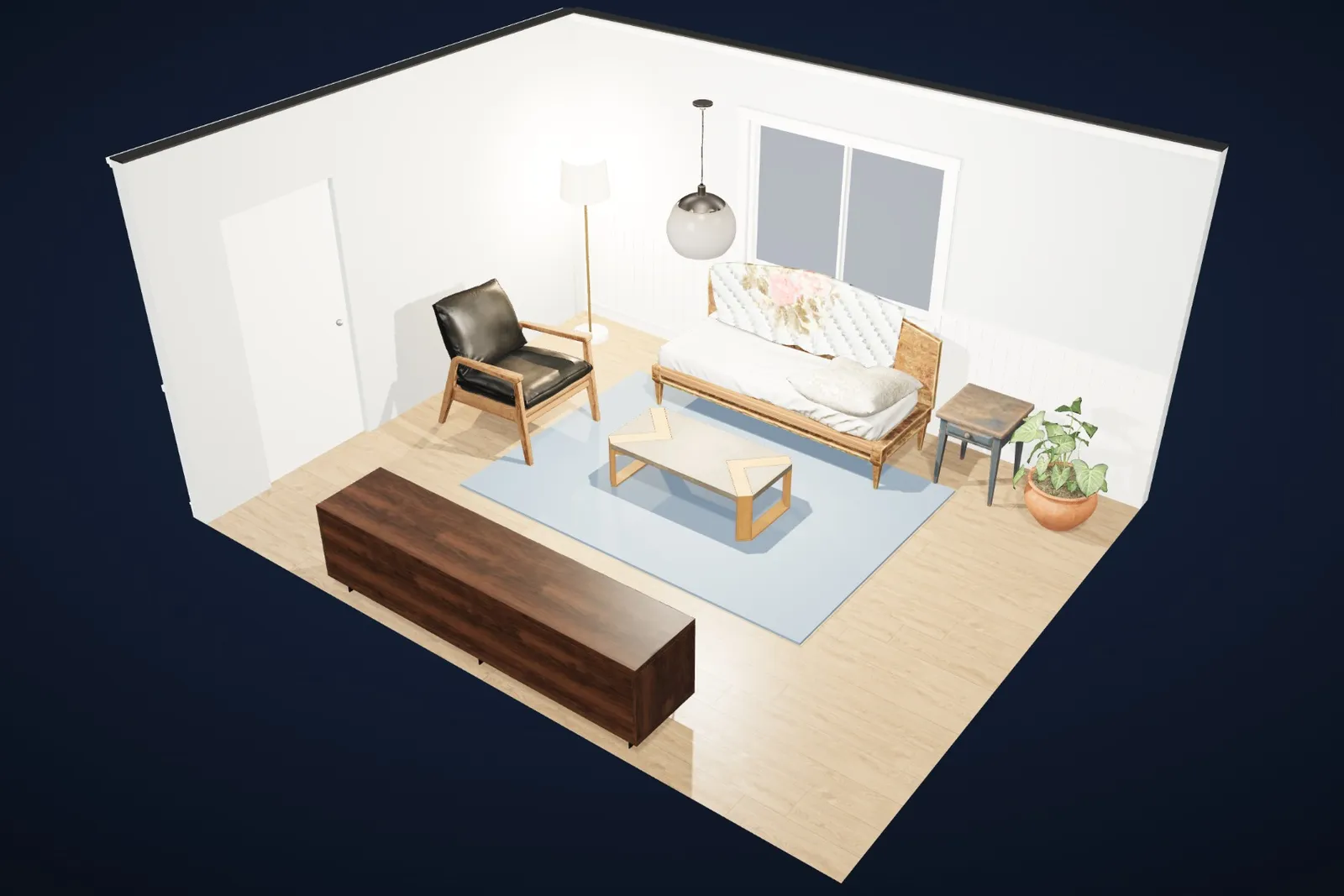
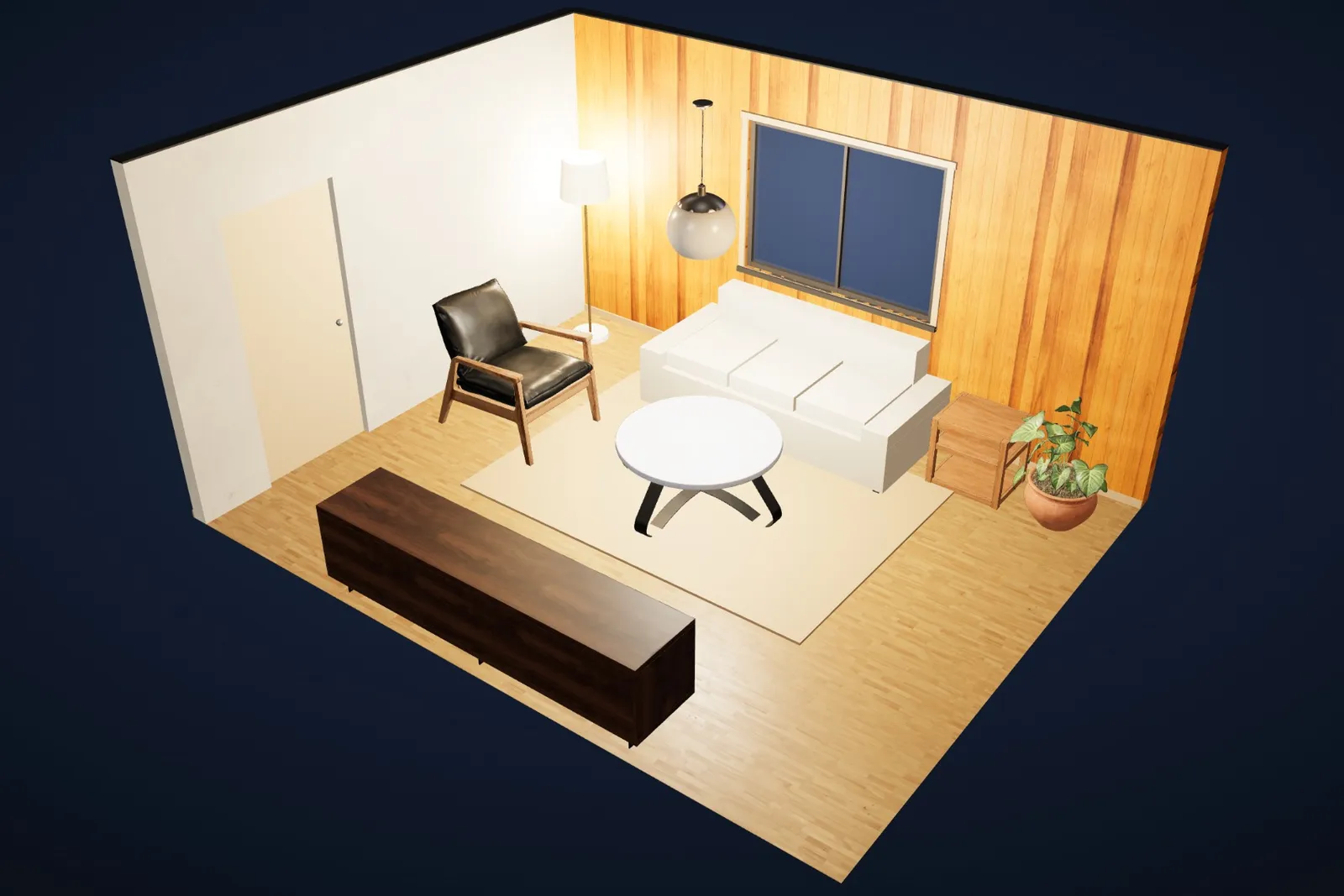
The same living room, same camera, one tap apart. Each style changes the walls, floor, ceiling, skirting, cornice and panelling, and swaps in furniture that suits it. Pieces you already own stay put.
Light through the day
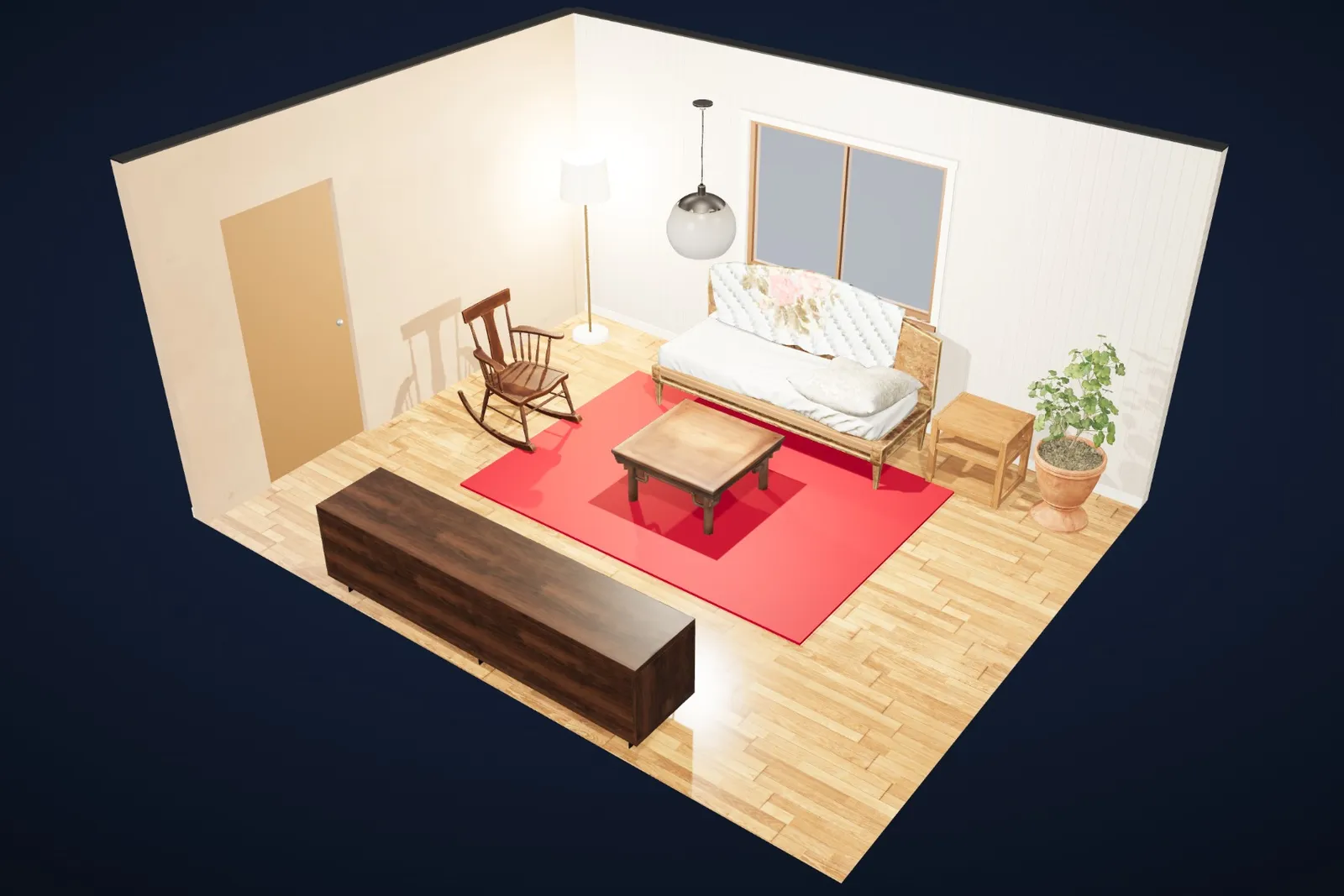
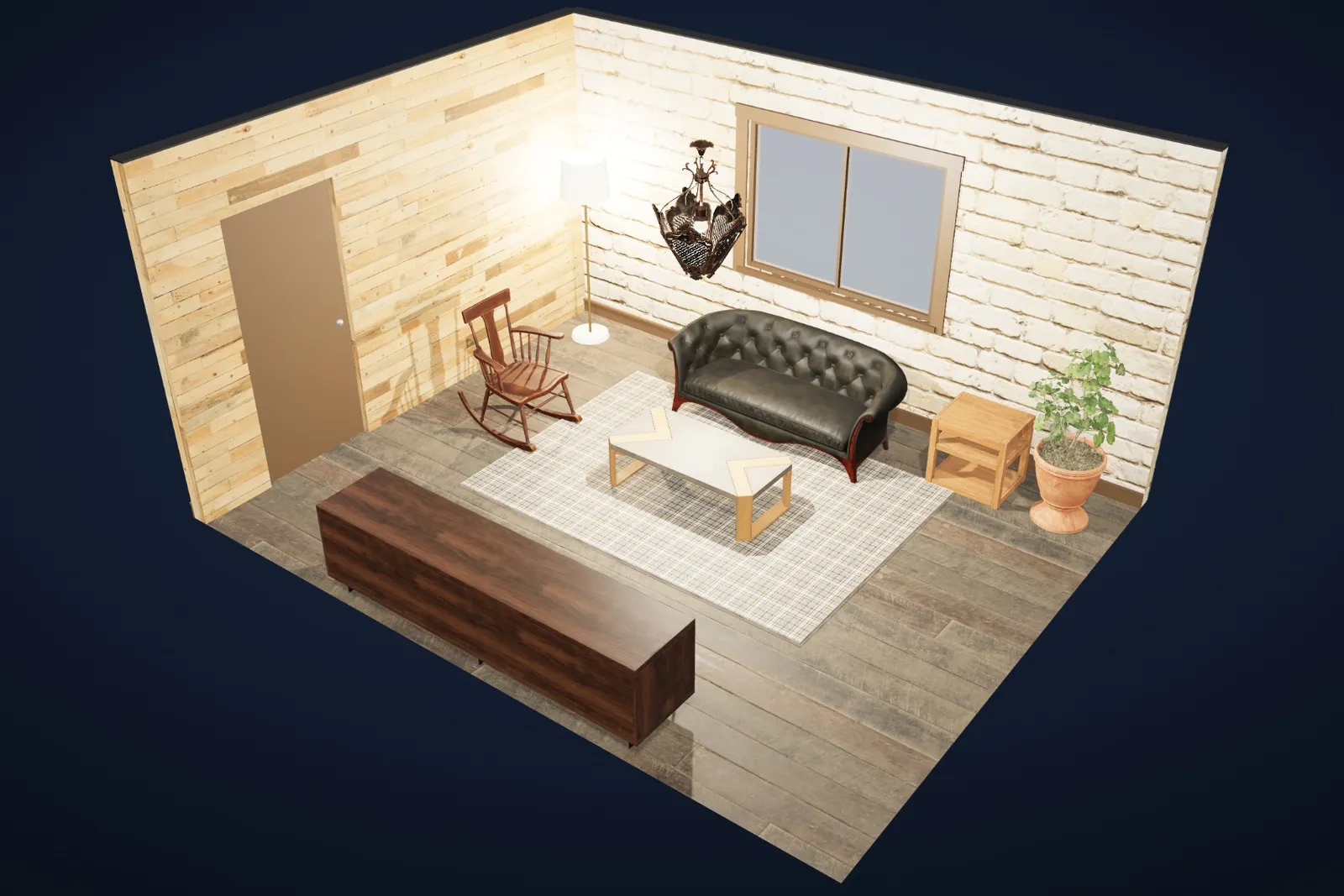
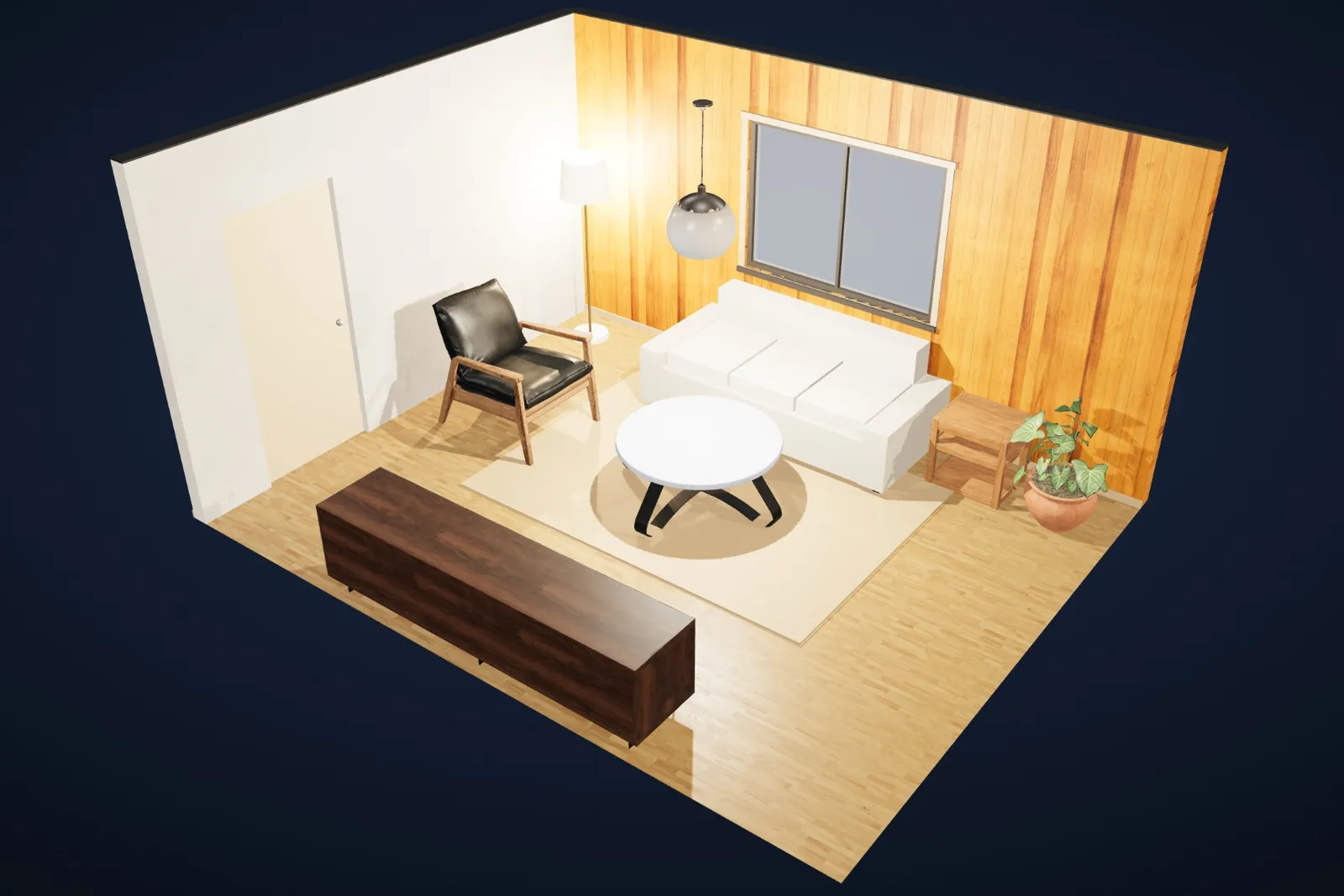
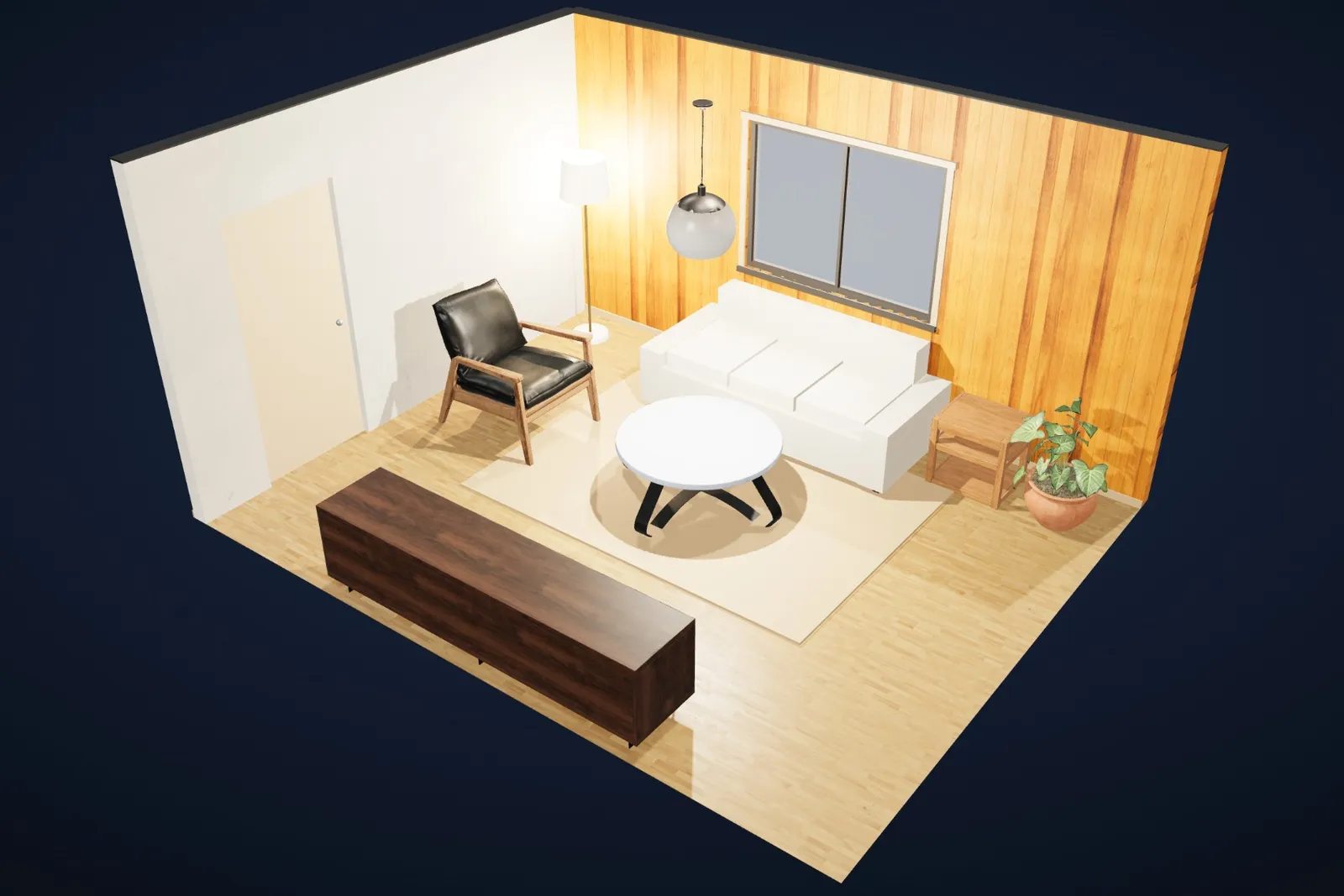
Slide from morning sun to lamp-lit evening and watch how your colours and materials change. Preview pictures show each time of day at a glance.
Everything in one place
Roomcraft brings together what you’d otherwise juggle across a tape measure, a mood board and a spreadsheet.
Turn any view into a realistic photo with AI, then compare before and after. Each render uses one AI credit.
Type how you want the room (“a calm Japandi reading corner”) and get a furnished design you can edit.
Over a hundred 3D models and photo-real wood, tile, stone, brick, plaster and carpet.
Place furniture in your real room at true size with augmented reality on Android.
Every room in one place, a cut-away view of the whole home, and options A and B to compare.
Measurements, a clearance check for walkways, a budget tracker and a shopping list.
Anyone can walk around your room in 3D in a browser, no account needed.
Scans are processed on your phone. No ads, no trackers, and you can delete everything anytime.
Plans
Paid plans add AI credits for photo-real renders and AI design ideas, plus more saved rooms. Prices are in US dollars, planned for launch and may change. Cancel anytime.
Roomcraft is in early access now. Join the list and we’ll email you an invite. The Android app will then come to Google Play, and the desktop app will be available to download for Windows, macOS and Linux.
Designing in 3D is free. Paid plans add monthly AI credits for photo-real renders and AI design ideas, plus more saved rooms. The planned prices are below; they may change before launch, and you can cancel anytime.
Android phones and tablets, and Windows, macOS and Linux computers. Room scanning and “See it in my room” need an Android phone that supports Google Play Services for AR.
Scanning happens on your phone. Only the finished 3D model is uploaded, and only if you sign in and save the room to your account. Designs made without an account stay on your device.
Yes. “Render photo” turns your 3D design into a realistic picture using an AI image model. Renders are illustrations to help you imagine the space, so always check real sizes and products before buying. The pictures on this page are Roomcraft’s own 3D view, not AI renders.
Share a view-only link to any room, so anyone can look around it in 3D in a browser without an account.
Early access
Roomcraft is in early access on Android and desktop. Leave your email and we’ll send an invite as soon as there’s a place for you.